FastDDNS updates and guides
Read setup tutorials and troubleshooting knowledge for DDNS deployments.
DDNS for CCTV, DVR and NVR: How to Set It Up Free
Free DDNS for a CCTV camera, DVR or NVR: the six ways a device can report its IP, which one fits yours, and the two things DDNS still cannot do for you.
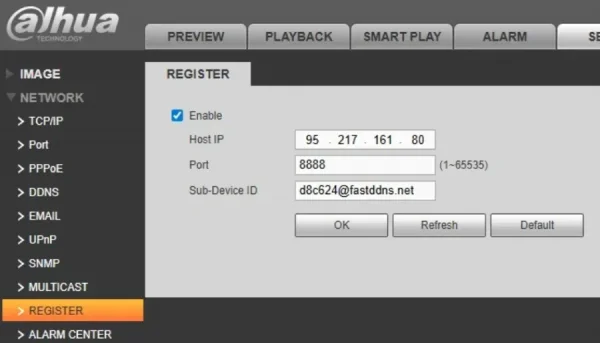
Dahua Auto Register DDNS Setup with FastDDNS
No DDNS menu on your Dahua DVR or camera? Auto Register works instead: three values from your hostname page and the device reports its IP on its own.
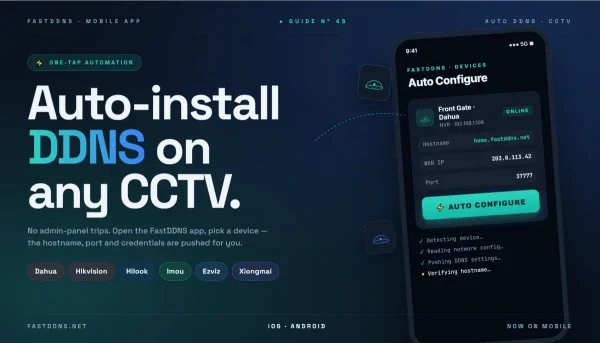
Automatic DDNS Setup for CCTV Cameras in the FastDDNS App
Let the FastDDNS app configure DDNS on your camera or recorder: what it changes on the device, which brands it drives, and what it cannot do for you.
DrayTek DDNS Setup: Dynamic DNS on Vigor Routers
Set up DrayTek DDNS with FastDDNS: User-Defined provider, Provider Host, Service API and the hostname password. Full steps, verification and port forwarding.
pfSense Dynamic DNS Setup with FastDDNS (Free DDNS)
Set up dynamic DNS on pfSense two ways: add FastDDNS as a Custom Dynamic DNS client, or paste the one-line cron script. Which one survives a reboot.
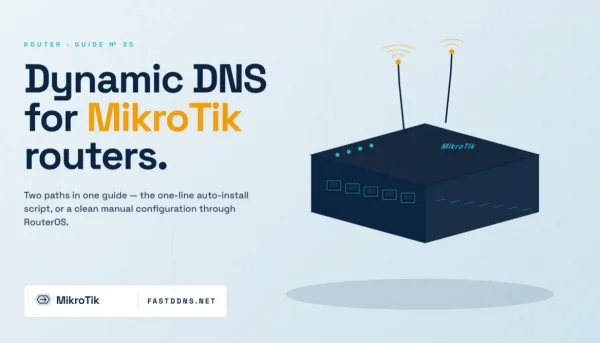
MikroTik DDNS Setup: Dynamic DNS on RouterOS with FastDDNS
Set up dynamic DNS on MikroTik: paste the one-line FastDDNS auto-install script, or add the RouterOS scheduler by hand. Both methods, step by step.
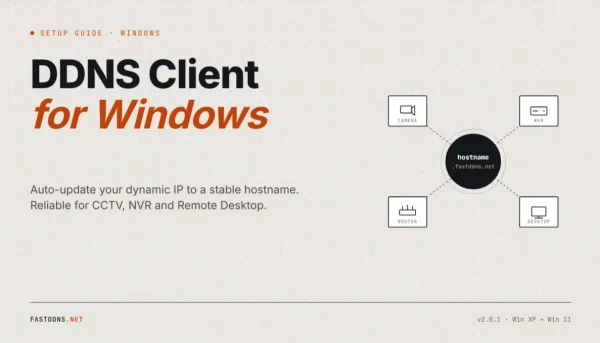
DDNS Client for Windows: Keep a Hostname on Your IP
Install the FastDDNS Windows client to keep a hostname pointed at a changing IP — when a PC is the right place to run it, and when it is not.
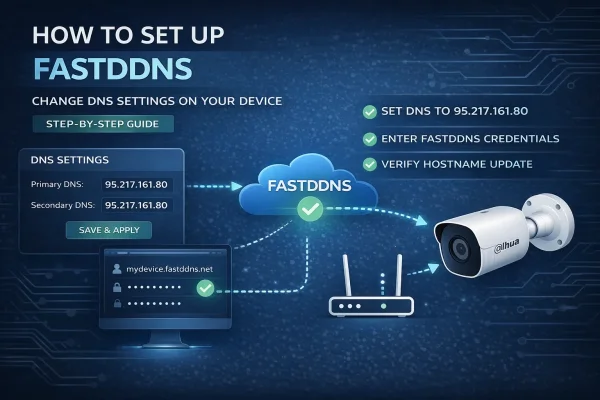
Free DDNS Setup by Changing Your Device's DNS
Set up free DDNS on a camera, DVR or NVR by pointing its DNS at FastDDNS and filling in its own DDNS menu — including what the change costs you.
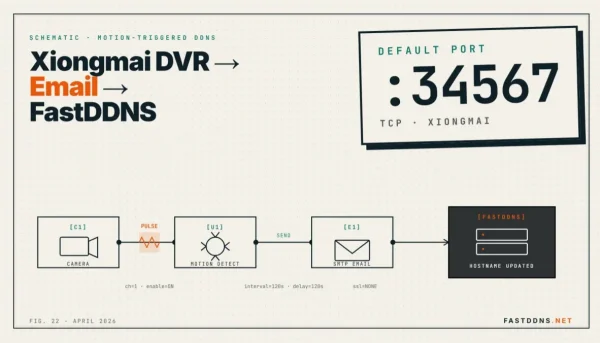
XMEye DDNS by Email Alert (Xiongmai DVR, Port 34567)
Set up DDNS on a Xiongmai DVR without touching its DNS: fill the recorder email settings from your hostname page and every alarm mail updates the IP.

XMEye DDNS Setup on Xiongmai DVR (Port 34567)
Set up DDNS on a Xiongmai DVR that only offers No-IP or DynDNS: change the device DNS, fill in Network > DDNS, then read the update log to confirm it.
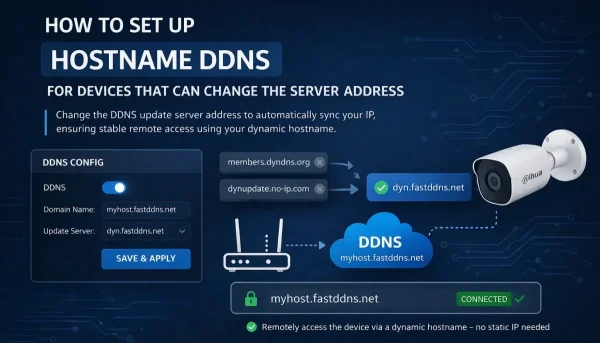
Replace No-IP or DynDNS Server Address with FastDDNS
How to replace the default No-IP or DynDNS server address with FastDDNS. Works on many Hikvision, Dahua, and OEM devices that let you edit the server address.
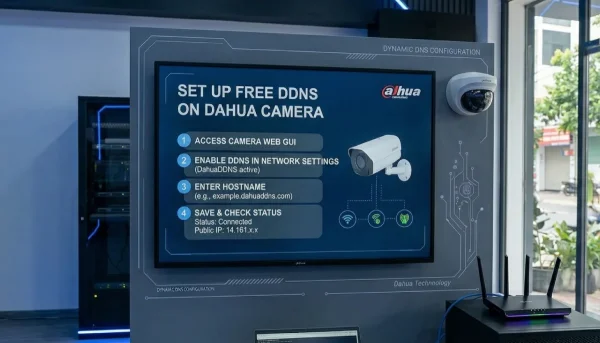
How to Set Up Free Dynamic DNS (DDNS) on Dahua Camera
Learn how to configure FastDDNS on Dahua cameras, NVR, and DVR devices with a simple step-by-step guide for remote access using dynamic DNS.